End-of-game controls
API
| Hook | Contract |
|---|---|
useMatchEnd() |
{ startsNextMatch: boolean; nextMatchPending: boolean; nextMatch: () => void; returnToGames: () => void }. For GameOver. |
Game over
When the match is finished or locked and the board is at now (usePlayback().status), Boardweaver renders GameOver after the board, if the game exports it. The replay of a finished match never renders GameOver. Make it cover the board itself (for example position: "fixed", inset: 0) and offer the end controls:
import { FormattedMessage } from "react-intl";
import { useMatchEnd } from "boardweaver/react";

export function GameOver() {
  const end = useMatchEnd();
  return (
    <div role="dialog" style={{ position: "fixed", inset: 0 }}>
      {end.startsNextMatch && (
        <button onClick={end.nextMatch} disabled={end.nextMatchPending}>
          <FormattedMessage id={end.nextMatchPending ? "gameOver.starting" : "gameOver.next"} />
        </button>
      )}
      <button onClick={end.returnToGames}>
        <FormattedMessage id="gameOver.return" />
      </button>
    </div>
  );
}
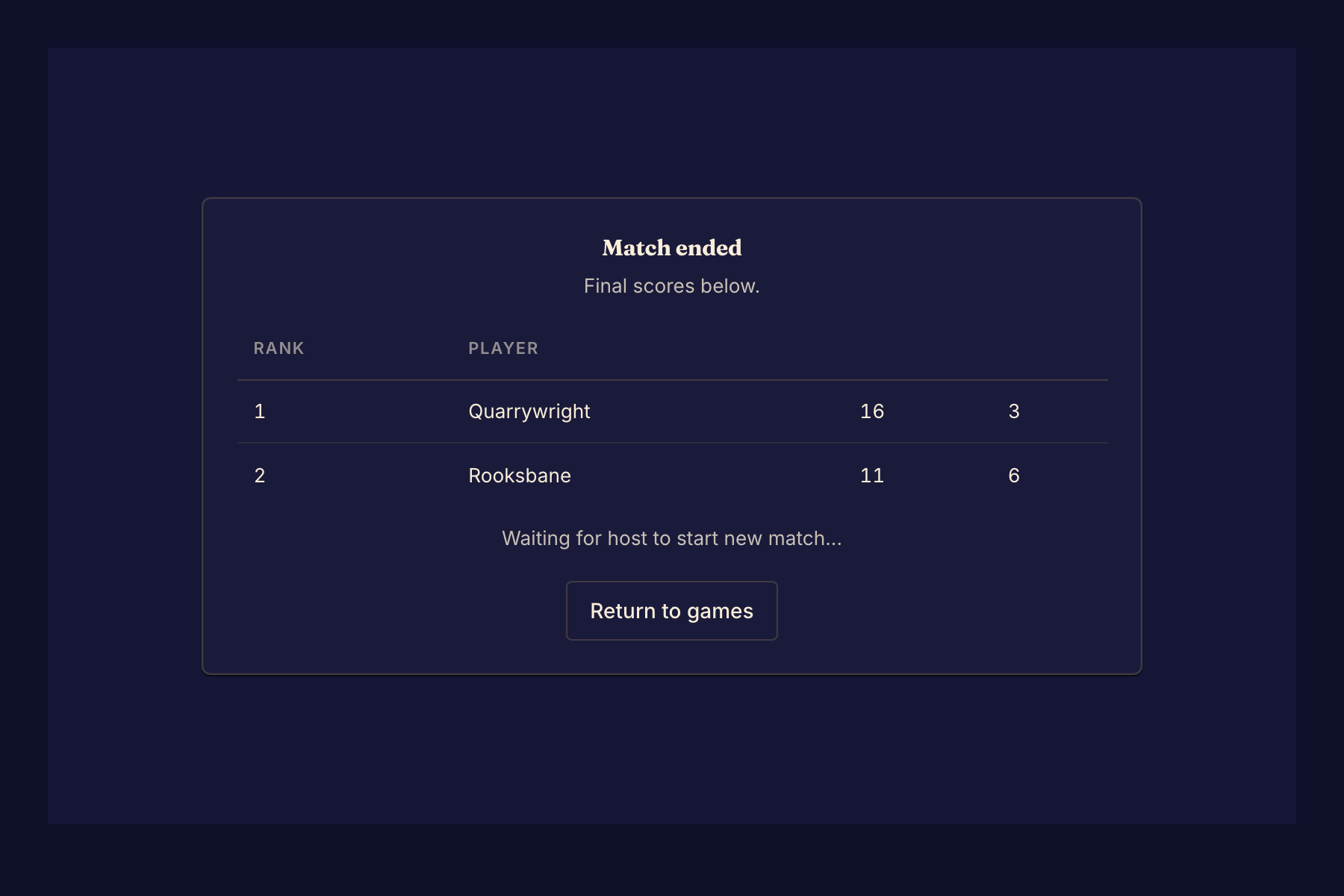
Without a GameOver export, Boardweaver shows its own end screen with the results and the next-match and return buttons. Its score columns have no names, because the game logic names none: export GameOver to show what each column means. With a GameOver export, Boardweaver shows nothing else at the end, so GameOver must show the result. A match also ends without a winner when an error locks it or a player leaves it. Then usePlayers() marks who left with abandoned, and isGameOver can still be false. Write the end screen for those cases too, as the tic-tac-toe client's useHeadline does (get_example with tic-tac-toe-rust-client).