Play your first game
You play Boardweaver games in your web browser, with nothing to install. A match is one play of a game by one group of players. This guide follows your first match from the catalog to your first move. Each section links to the page with the steps.
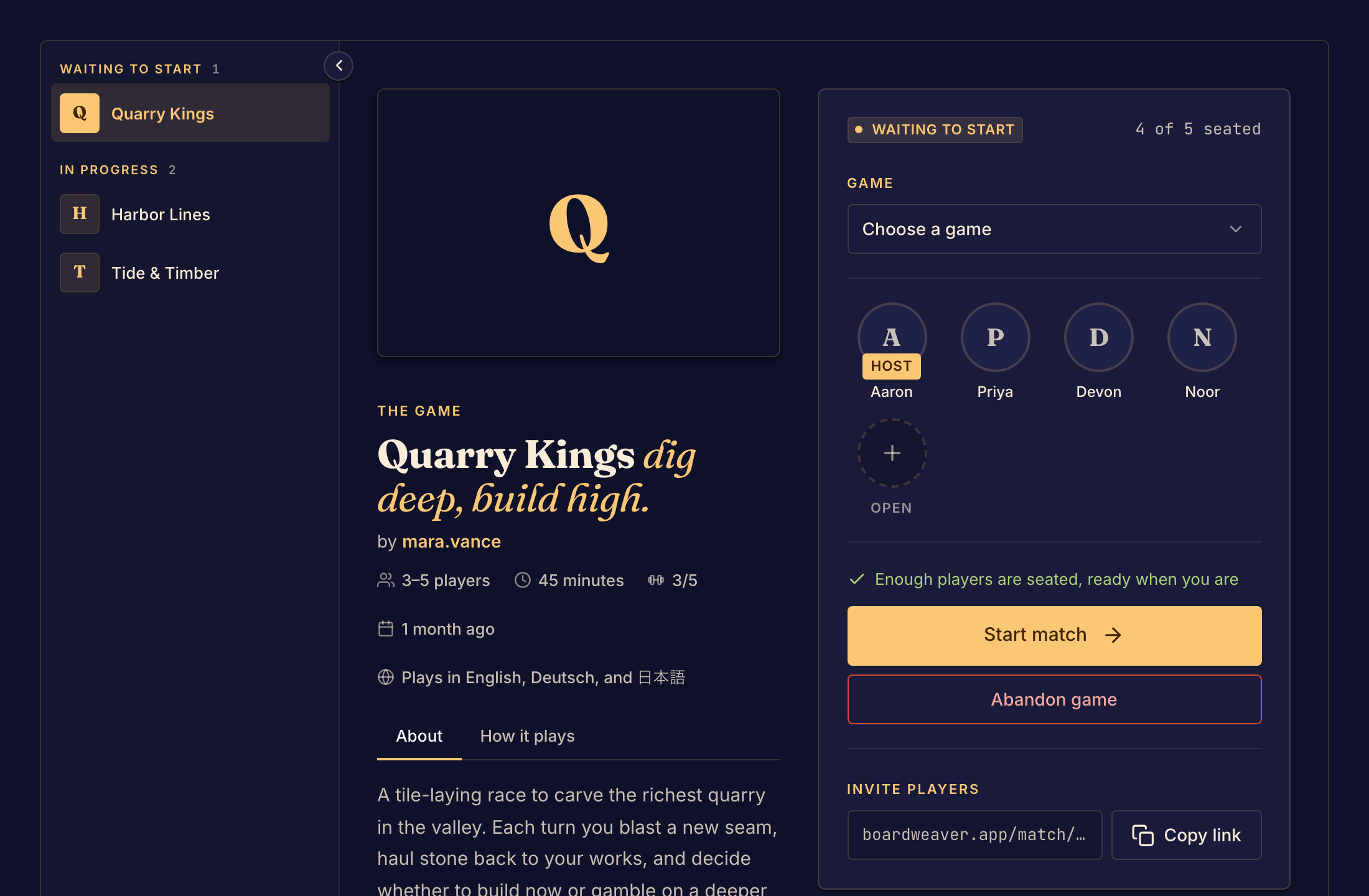
Choose a game
Open Play and pick a game that plays with the number of people in your group. Read its rules on the game's page. See Find a game.
Sign in, or play as a guest
A game asks you to sign in before you take a seat, unless its designer lets guests play. A guest plays under a name, with no account. See Create an account and Play as a guest.
Get everyone into one lobby
The lobby is where players wait before a match starts. One person hosts: they select Play on the game's page and send the lobby's link to the others. See Start a match. Everyone else opens that link and selects Take a seat. See Join a match.
Start and play
When enough players are seated, the host selects Start match and the board opens for everyone. You play with the game's own pieces and buttons. To read the rules during the match, select Rules. See Game controls.
Come back later
Closing the page does not take you out of the match. To return, open the match link again, or find the match in Your matches. See Find your matches.