Play again
When a match ends, the host can start the next game for the same group with Next Match. Boardweaver opens a new lobby with the same game and moves the other players into it.
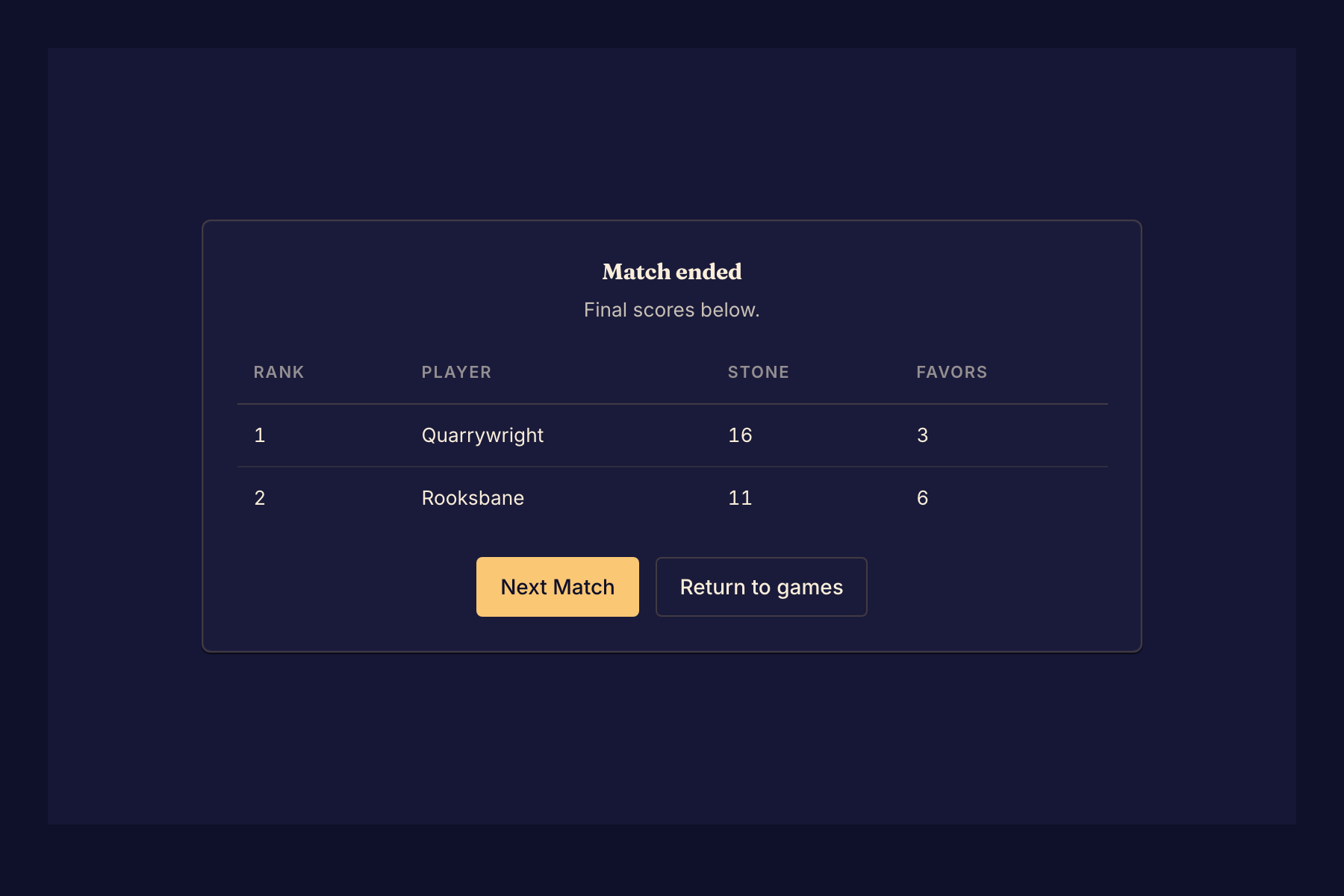
Start the next game
- When the match ends, read the final scores under Match ended.
- As the host, select Next Match. A new lobby opens with the same game. The other players see "Waiting for host to start new match..." until you do this.
- To play a different game, choose it from the Game menu in the lobby.
- Add any bots again, because Boardweaver does not copy them. See Play with bots.
- Select Start match.
The new lobby seats every person from the last match, except:
- players who abandoned it,
- players who selected Return to games,
- guests, if the game no longer lets guests play.
If you choose a different game, check the seat status line: the new game can play with a different number of players.
Other end screens
Some games draw their own results screen, with their own button for the next game. If a game's results screen has no such button, start a new match from the game's page and send the new link. See Start a match.
At an event table, there is no host. Anyone seated can select Next Match to go back to the table. See Join an event table.
If you see "Couldn't start a match", try again in a moment.