Create an account
An account keeps your name, your matches and your settings, and lets you sign in on any device. You can sign up with Discord, or with an email address and a password.
If you already play as a guest, do not make a new account. Keep your guest instead, so you keep its name and matches: see Play as a guest.
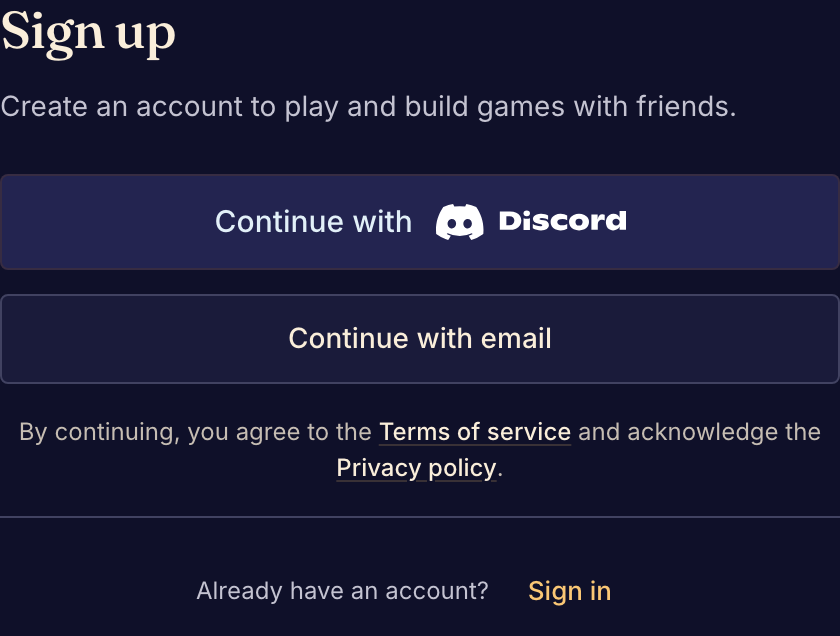
Sign up
- Select Sign up in the top bar.
- Choose Continue with Discord or Continue with email.
- For Discord, approve the request on Discord's page. For email, enter your Email, a Display name and a password of at least 12 characters, then select Create account.
- If Boardweaver asks What brought you to Boardweaver?, choose I'm here to play board games. The game catalog opens.
- Open the email Boardweaver sends you and follow its link to confirm your address. The link expires after 24 hours.
Other players see your display name at the table. To sign in later, select Sign in and use the same method you signed up with.
If sign up says "You may already have an account", that email address has an account already. Sign in to it, or follow Recover account access.
Accept an invitation to a game
A designer can invite you to work on a game or to test it, for example as a playtester. The invitation email has a link that shows the game, who invited you and your role.
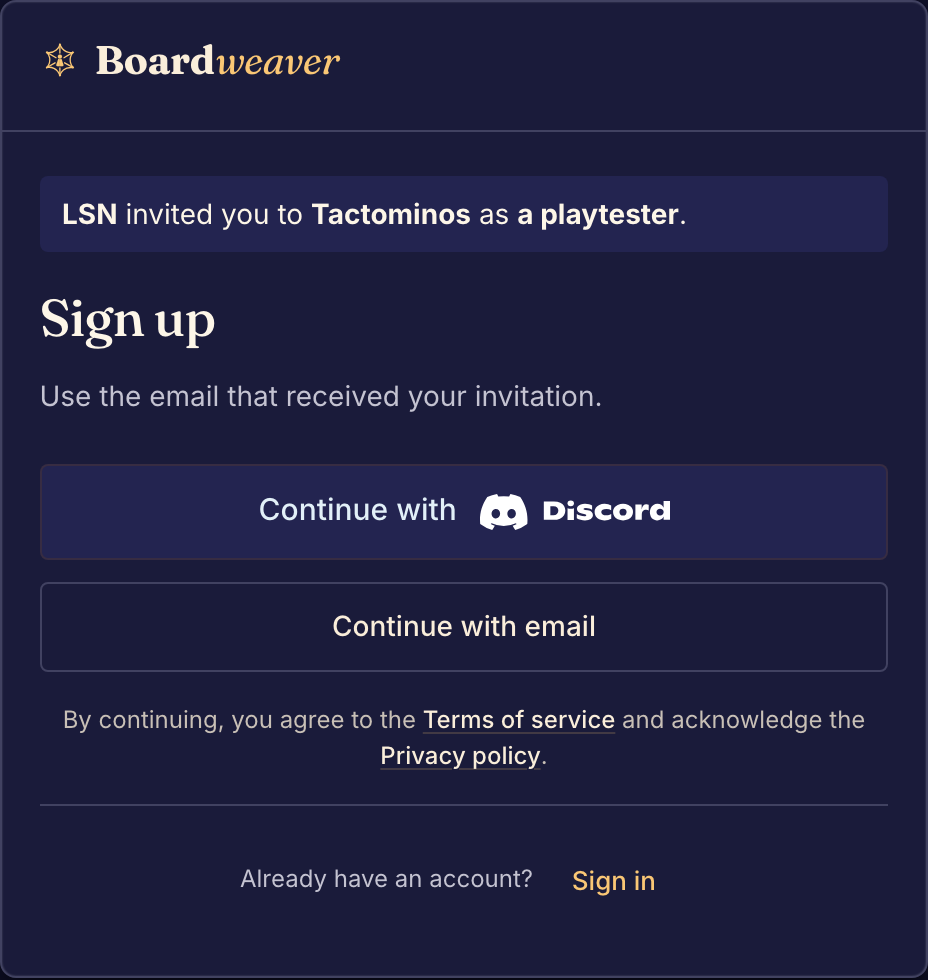
- Open the link in the invitation email.
- Sign up with the email address that received the invitation, or sign in.
- Select Accept.
If the page says "This invitation isn't available", it was accepted, declined or expired. To see the invitations that wait for you, open Your invitations while signed in.
Next, find a game to play.