Join an event table
At an event, each table has a card with a short code and a QR code. An event table seats a new group under the same code for each game. The organizer decides who may sit at it and how its games start.
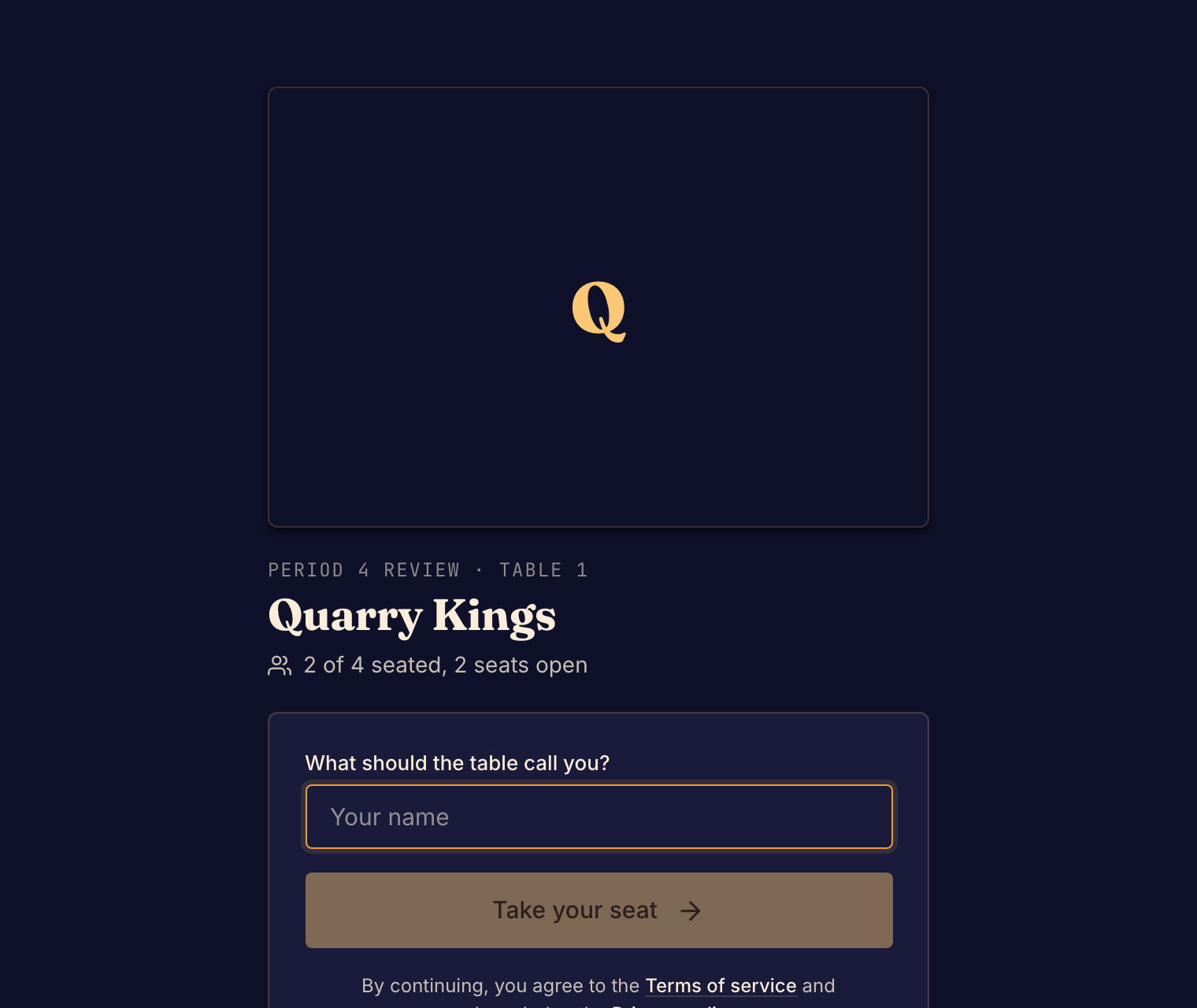
Sit down
- Scan the QR code on the card. Or open Find your table, type the code and select Go to my table. The table page opens.
- Select Read the rules first if you want to read the game's rules.
- Select Take your seat. If you are not signed in, first type a name under What should the table call you?. If the table asks everyone to sign in, select Sign in to take your seat instead.
- Wait in the table's lobby. The line under the button says how the game starts.
If every seat is taken, Boardweaver seats you in a new group at the same table.
How the game starts
| Line under the button | What happens |
|---|---|
| The game starts on its own once all (number) seats are taken. | The game starts when the last seat fills. |
| The same line, then "Anyone seated can start early with (number) here." | The game starts when the last seat fills. Anyone seated can also select Start now once that many players are there. |
| Anyone seated can start once (number) are here. | Anyone seated selects Start now once that many players are there. |
| The organizer starts the game when everyone is ready. | Your button shows Waiting for the organizer to start. |
To give up your seat, select Leave the table.
After a game
When the match ends, select Next Match to go back to the table for the next game. Anyone seated can do this.
If the table does not open
| What you see | What to do |
|---|---|
| No table with that code | Check the code on your card and try again. |
| This table is paused. Ask the organizer to resume it. | Wait for the organizer to resume the table. |
| This table seats (number), but (game) now plays with (number) players. | The game changed after the event was set up. Ask the organizer to open a new event with seats the game can use. |
| Couldn't load this table | Select Try again. |
For a match a friend hosts, see Join a match.