Choose a language
Boardweaver shows its menus and messages in English, German, Spanish, French, Japanese or Simplified Chinese. A game shows your language too, when its designer has translated the game into it. Otherwise the game shows the language it is written in.
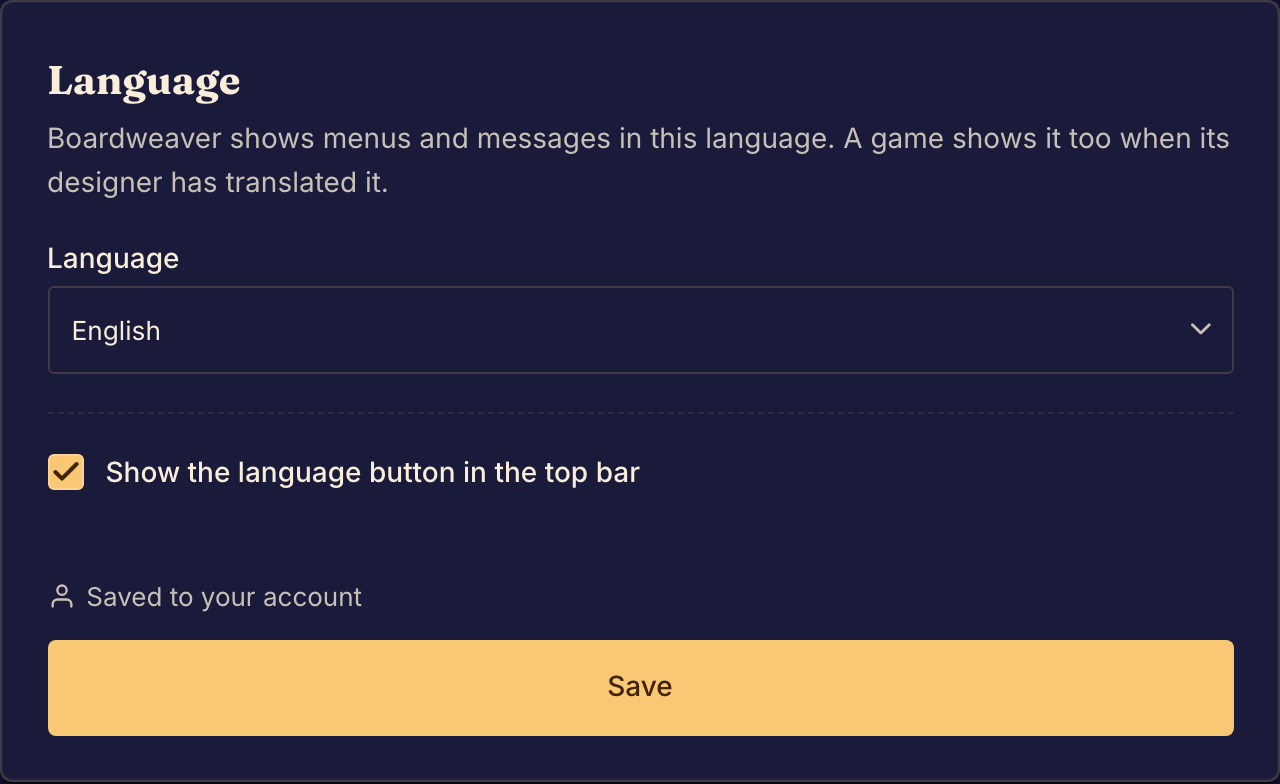
Change the language
- Open Language settings. You can also select the language button in the top bar. Both work when you are signed out.
- Choose a language under Language.
- Select Save.
When you are signed in, Boardweaver saves the language to your account, for every device. When you are signed out, it saves the language on this device. If your browser does not let Boardweaver save it, you see "Your language is set for this visit only". Sign in to keep it.
To see which languages a game has, read the Plays in line on the game's page.
Hide or show the language button
In the language dialog, select Hide the language button from the top bar. To bring the button back, open Language settings and turn on Show the language button in the top bar.
Next, set up Sound settings.