Write the rules pages
Players read the rules pages in the Rules drawer, in the lobby and during a match, and on the game's public rules link. Follow these steps in order.
1. Plan the pages
/src/rules/index.bwssis the first page. Without it the game has no rules for players, and Boardweaver hides the Rules button.- Each other page is
/src/rules/<slug>.bwss. Start the slug with a letter, then use letters, digits,_and-, such assetuporturn-order. - Players reach other pages only through links you write. Boardweaver adds no table of contents, so link every other page from
index. - The pages directly in
/src/rules/are in the game's default locale. To translate a page, write it again in a folder named for its locale, with the same slug./src/rules/zh-CN/index.bwssis the Chinese first page, and its links reach the other Chinese pages. Write each translated page's default page too: a translated page with no default page of its slug fails the commit. - A player reads each page in the first of their languages it has a version in. In a locale your game has a catalog for but no version of a page in, Boardweaver shows the default page with a line at its top that names its language.
2. Upload the images
Upload each image with upload_art. Its key, such as BoardOverview, is the name a page's src uses: a capital letter first, then letters and digits.
3. Write each page
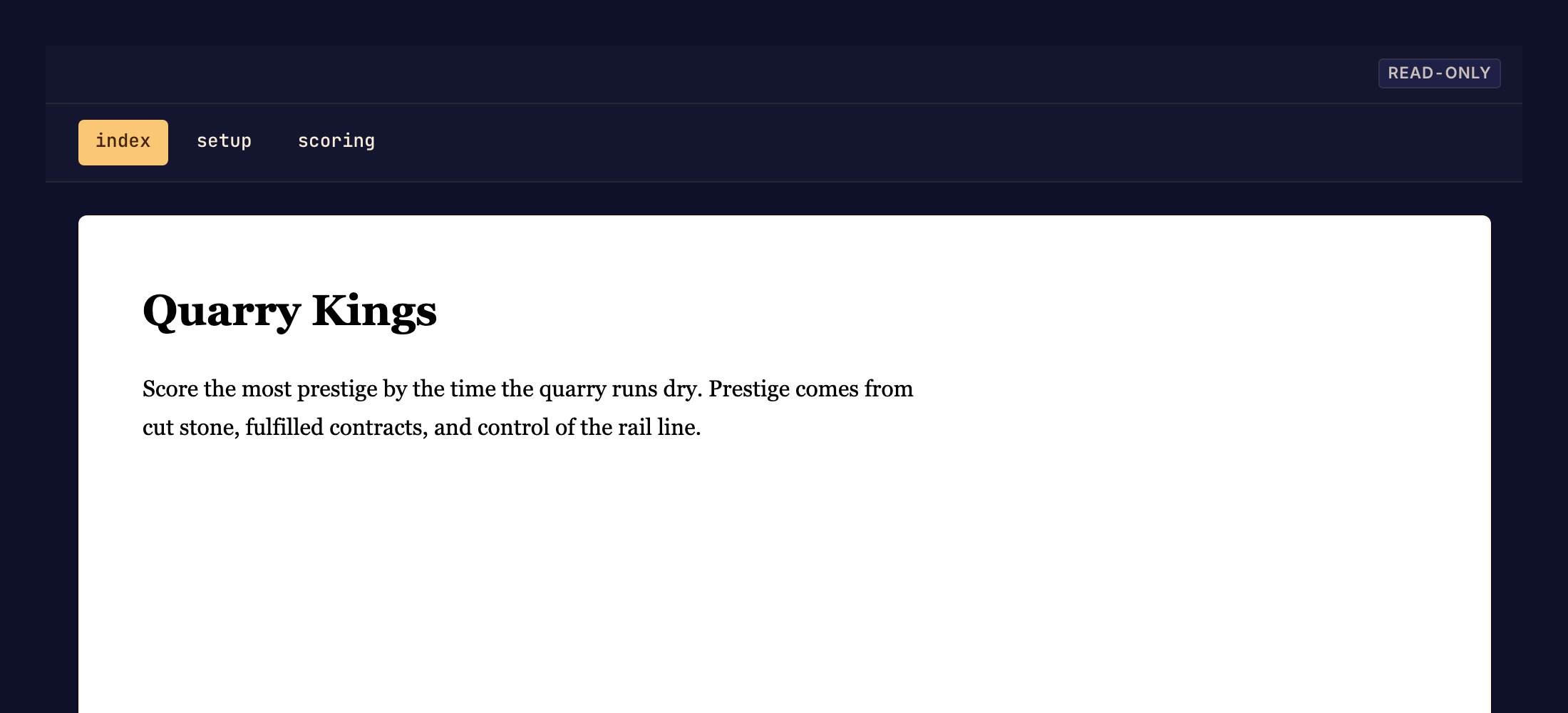
A page is a JSON document: one node, whose children are nodes and plain strings. Write it with write_file. Boardweaver renders strings as plain text, with no markdown.
{
  "type": "Box",
  "style": { "display": "flex", "flexDirection": "column", "gap": 16 },
  "children": [
    { "type": "Box", "style": { "fontSize": 28, "fontWeight": "700" }, "children": ["Hexbloom"] },
    { "type": "Box", "children": ["Two gardeners compete for a flower of seven hexes."] },
    { "type": "Image", "src": "BoardOverview", "alt": "The garden at the start" },
    { "type": "Box", "id": "setup", "style": { "fontSize": 21, "fontWeight": "700" }, "children": ["Setup"] },
    { "type": "Anchor", "href": "turn#placing", "style": { "textDecorationLine": "underline" }, "children": ["Your turn"] }
  ]
}
The nodes and styles are below. Colors from the theme are in Design the theme. Put every rule a new player needs on a page.
4. Check the pages
Run validate_code until it answers no page errors. It compiles every page and answers each problem as one line with the file and the path to the node:
/src/rules/index.bwss: children[0].style: Unrecognized key(s) in object: 'border'
write_file does not check a page: only validate_code and commit do. Neither checks that a link reaches a page or an id, so check each link yourself.
5. Commit
Call commit. A failed page compile answers RULES_COMPILE_FAILED with the errors.
Nodes
| Node | Props | Renders as |
|---|---|---|
Box |
id?, style?, children? |
a block |
Image |
src (an art key), alt?, style? |
an image. An unknown key fails the compile. |
Svg |
viewBox: { width, height }, paths (1 to 16), style? |
a vector drawing |
Anchor |
href, id?, style?, children? |
a link |
- Every node needs
type. Boardweaver checks every other key: an unknown key is an error. - An
idstarts with a letter, then letters, digits,_and-. A link reaches it as#id. hrefis one of#id,slugorslug#id, at most 256 characters. A link to another site is an error.- An
Svgpath is{ d, fill?, stroke?, strokeWidth?, fillRule?, strokeLinecap?, strokeLinejoin?, opacity? }.duses only path commands and numbers: at most 4000 characters in one path, and 16,000 in all of oneSvg's paths. - Every node renders as plain blocks, with no heading or list elements. Make a heading with
fontSizeandfontWeight. Keep line breaks with"whiteSpace": "pre-line".
Styles
A style takes only the properties below. Each value is a single value: write no shorthand such as border or "16px 24px", and no vh, vw, calc or var.
- Values. A length is a number (pixels) or a string in
px,%,emorrem. A color is#hex,rgb(),rgba(), a basic name such aswhite, or a theme token such as$semanticTokens.text.primary.fontWeightis a string:"700". - Layout:
display(flex,block,inline-flex,none),flexDirection,flexWrap,justifyContent,alignItems,gap,flex,flexBasis,flexGrow,flexShrink,width,height,minWidth,maxWidth,minHeight,maxHeight,padding,paddingX,paddingY,paddingTop,paddingRight,paddingBottom,paddingLeft, the same formargin,position(relative,absolute),top,right,bottom,left,overflow. - Text:
fontSize,lineHeight,letterSpacing,fontWeight,fontStyle,fontFamily(sans,serif,mono),textAlign,textTransform,whiteSpace,textOverflow,textDecorationLine,textDecorationStyle,textDecorationColor,textDecorationThickness,textUnderlineOffset,color,textGradient. - Background and border:
backgroundColor,backgroundImage(an art key),backgroundGradient,backgroundSize,backgroundPosition,backgroundRepeat,borderRadius,borderWidth,borderStyle,borderColor, each side'sborderTopWidth(andStyle,Color, forTop,Right,Bottom,Left),boxShadow. - Effects:
opacity,filter,clipPath,transform.
A gradient is a list of layers: { "linear": { "angle": 90, "stops": [{ "color": "#000", "offset": 0 }, { "color": "#fff", "offset": 1 }] } }. A shadow is a list of { offsetX, offsetY, blur?, spread?, color, inset? }. A transform is a list of { rotate }, { translateX }, { translateY } or { scale }.