Write the marketing page
The marketing page is the game's public page at /game/<slug>. Anyone can open it, even for a private game. It shows the published commit, else the public playtest commit, else the newest commit. Follow these steps in order.
1. Upload the images
- Images on the page: upload each with
upload_art. Itskey, such asCover, is the name a page'ssrcuses: a capital letter first, then letters and digits. - The game's cover and logo: upload them with
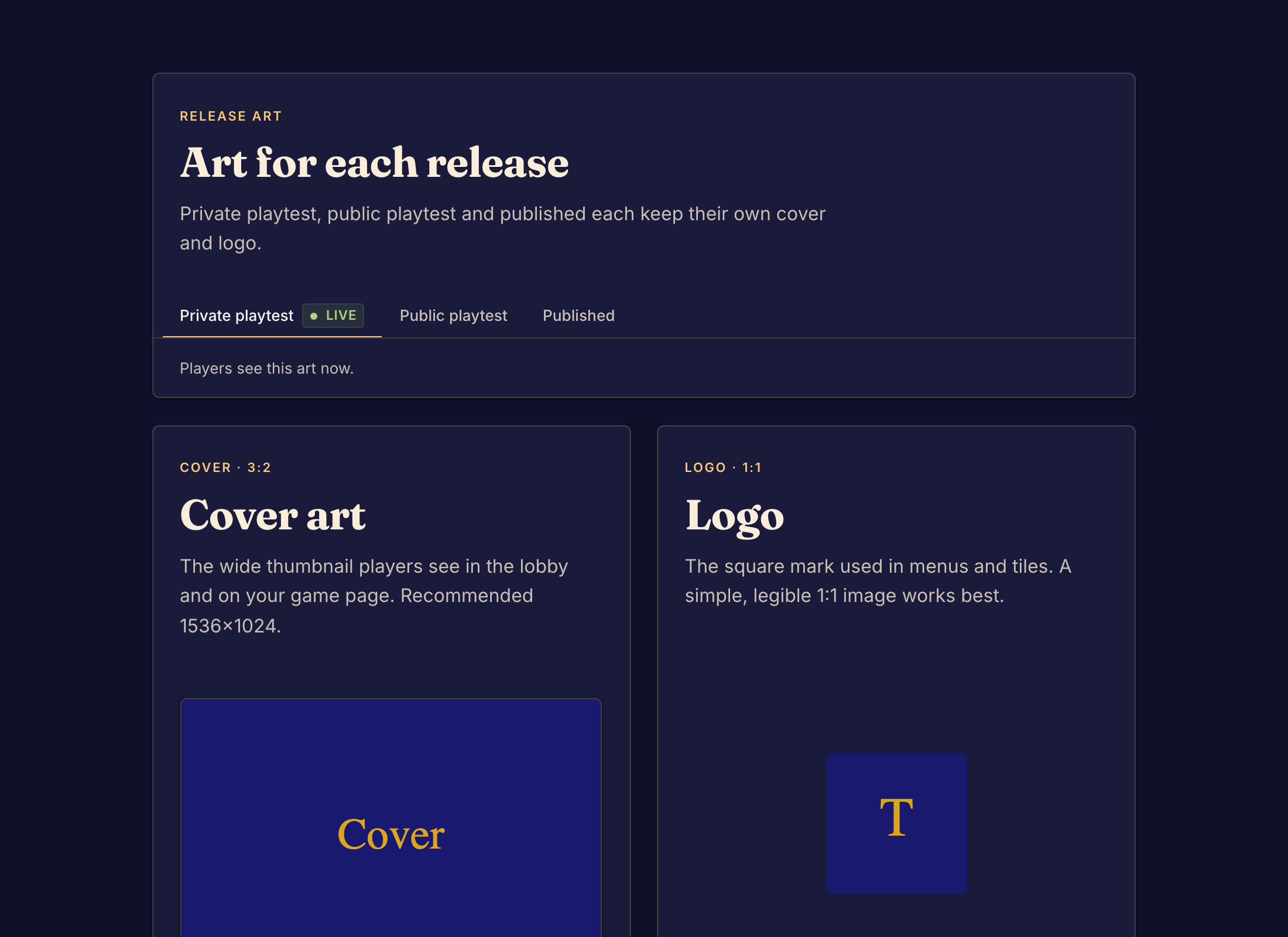
upload_marketing_image, slotcoverorlogo. Boardweaver shows them on game cards, in the lobby and in the sidebar. A page cannot show these slots, so to show the cover on the page too, also upload it withupload_art.
2. Write the page
Write /src/marketing/index.bwss, in the game's default locale. Put a translated page in a folder named for its locale, such as /src/marketing/zh-CN/index.bwss. The page uses the same nodes and styles as a rules page, and players read it in their language as they read the rules (Write the rules pages). The page adds three marketing nodes:
| Node | Props | Renders as |
|---|---|---|
PlayButton |
id?, style?, children? |
a link to the game's play page for the version shown, where the visitor presses Play to create a match |
RulesButton |
id?, style?, children? |
a link that opens the rules pages in a drawer |
ThemeToggle |
id?, style?, children? |
a button that switches the page between light and dark |
{
  "type": "Box",
  "style": { "display": "flex", "flexDirection": "column", "alignItems": "center", "gap": 24 },
  "children": [
    { "type": "Image", "src": "Cover", "alt": "Box art", "style": { "width": "100%", "borderRadius": 12 } },
    { "type": "Box", "style": { "fontSize": 40, "fontWeight": "800" }, "children": ["Hexbloom"] },
    { "type": "Box", "children": ["Two gardeners compete for a flower of seven hexes."] },
    {
      "type": "Box",
      "style": { "display": "flex", "gap": 12 },
      "children": [
        { "type": "PlayButton", "style": { "paddingX": 20, "paddingY": 10, "borderRadius": 8 }, "children": ["Play now"] },
        { "type": "RulesButton", "style": { "paddingX": 20, "paddingY": 10 }, "children": ["Read the rules"] },
        { "type": "ThemeToggle", "children": ["Light / dark"] }
      ]
    }
  ]
}
- Give
indexthe game's name, the cover, aPlayButtonand aRulesButton. - Write what the game is, who it is for and how long a match takes, before any rule.
- Link to the rules with
RulesButton. A marketingAnchorreaches only marketing pages. - Write more pages as
/src/marketing/<slug>.bwssand link them withAnchor. Boardweaver never serves a page whose slug starts with the wordrules, such asrules-faq, so name it another way.
3. Check and commit
Run validate_code until it answers no page errors. Then call commit. A failed page compile at commit answers MARKETING_COMPILE_FAILED with the errors, or RULES_COMPILE_FAILED with only the rules errors when a rules page fails too.