Save and restore a checkpoint
A checkpoint is a named game position in the preview. Save one at a situation you want to test again, then restore it instead of playing every move again. A checkpoint holds a position only. It does not save your files or make a version. Every editor of the game sees the same checkpoints.
Save a position
- Open Preview and play to the position you want to keep.
- Open the Checkpoints menu in the preview toolbar. In a narrow preview, it is in the toolbar's overflow menu.
- Select Save Checkpoint. It is available once the preview shows a game.
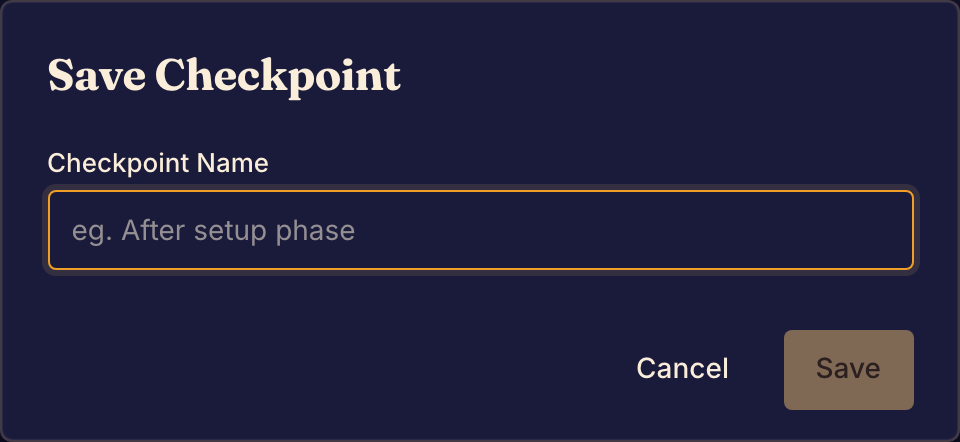
- In Checkpoint Name, type a name that says what the position tests, such as "After setup phase".
- Select Save. Boardweaver shows Checkpoint saved.
Restore or delete a checkpoint
- To go back to a position, open Checkpoints and select the checkpoint's name. The preview shows that position.
- To delete a checkpoint, open Checkpoints and select the delete button beside its name. Then select Delete.
Restoring runs the position with your current game code, not the code you had when you saved it.
Checkpoints in a Rust game
In a framework v3 game, a checkpoint saves the position after the last move a player finished. It does not include a move that is still a draft, or the undo history. Finish your move before you save.
The checkpoint keeps which seats are bots. When you restore it, the preview starts a new history from that position. You cannot undo back past it. Moves you make after the restore stay when you reload the page. After a new build, the preview plays them again, unless you set After a Rust build to Start a new match in the preview's Settings.
A coding agent can save a checkpoint with the save_checkpoint tool. It shows in the same Checkpoints menu.
If something goes wrong
Boardweaver shows "Failed to save checkpoint". The checkpoint was not saved. Select Save Checkpoint and try again.
A Rust checkpoint does not restore. Your current game code cannot run that position, for example after you changed how the game stores its state. Open Preview notices to read the reason. Fix the code, or play to the position again and save a new checkpoint.
When the game plays the way you want, commit a game version.