Edit game files
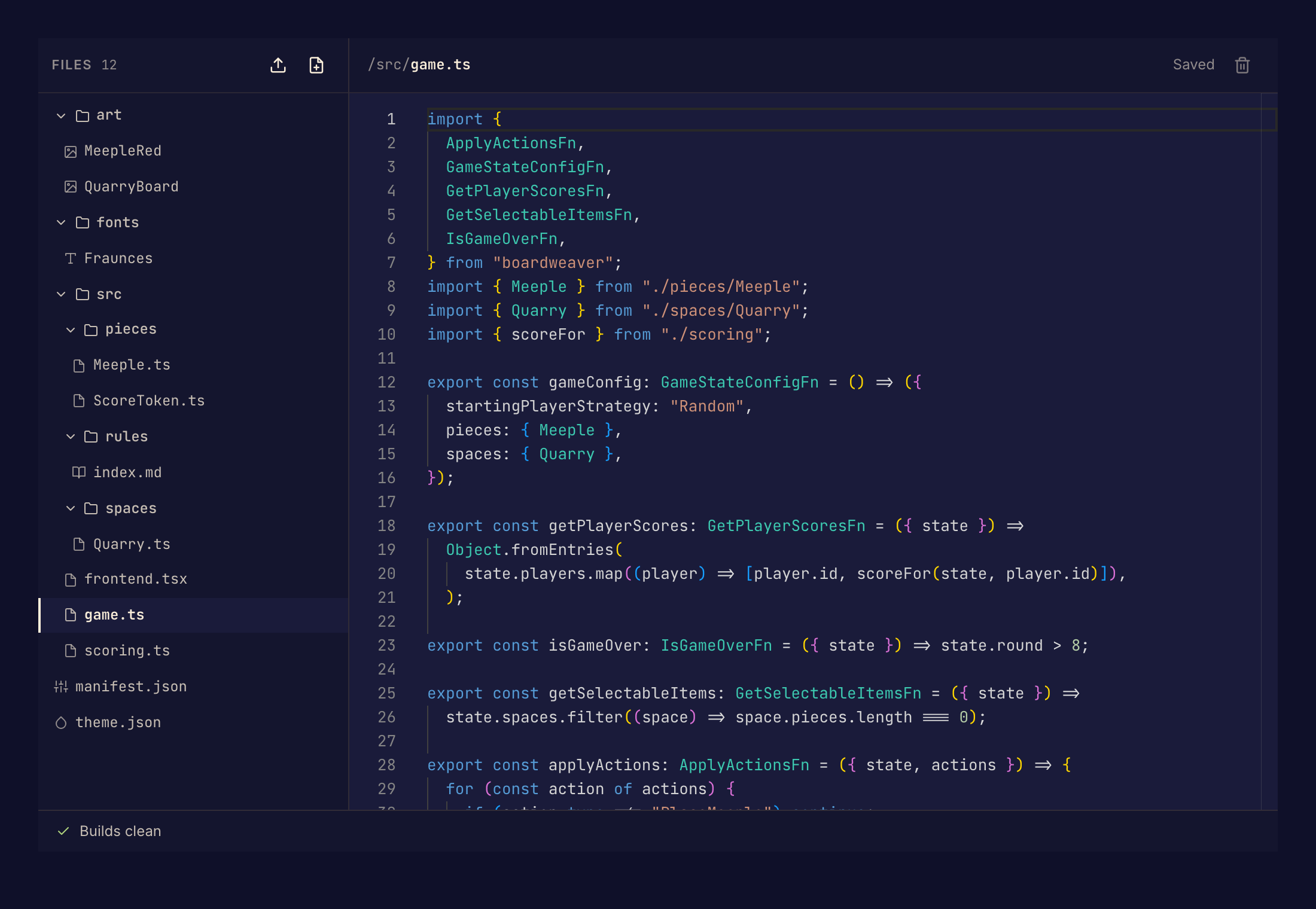
Use the Code page to change your game's source files in the browser. Boardweaver saves each edit and builds the game, so you see problems while you work. You need the editor or admin role on the game. See Roles and permissions.
Change a file
- In the Studio sidebar, under Build, select Code.
- Select a file in the file list.
- Type your change. Boardweaver saves it a moment after you stop typing. The label beside the file name changes from Unsaved to Saving… to Saved.
- Read the build status at the bottom of the page. Builds clean means the game builds with no problems.
- If the status counts build errors or warnings, select it to open the list. Select a problem to open its file.
- Open Preview and try the change. See Preview a game.
Your edits stay in your working files. Players get them only after you commit a game version.
Add, rename or delete a file
- Add. Select New file above the file list. In Path, type a path under
/src/that ends in a file extension, such as/src/cards.ts. - Rename. Double-click the file name in the file list.
- Delete. Open the file, then select the delete button beside its name.
Boardweaver does not let you delete the files the build starts from. These are /src/game.ts (or /src/lib.rs in a Rust game) and /src/frontend.tsx.
Other files can refer to a file by its name. If you rename or delete a file, fix those references before you commit, or the game does not build.
Rust games
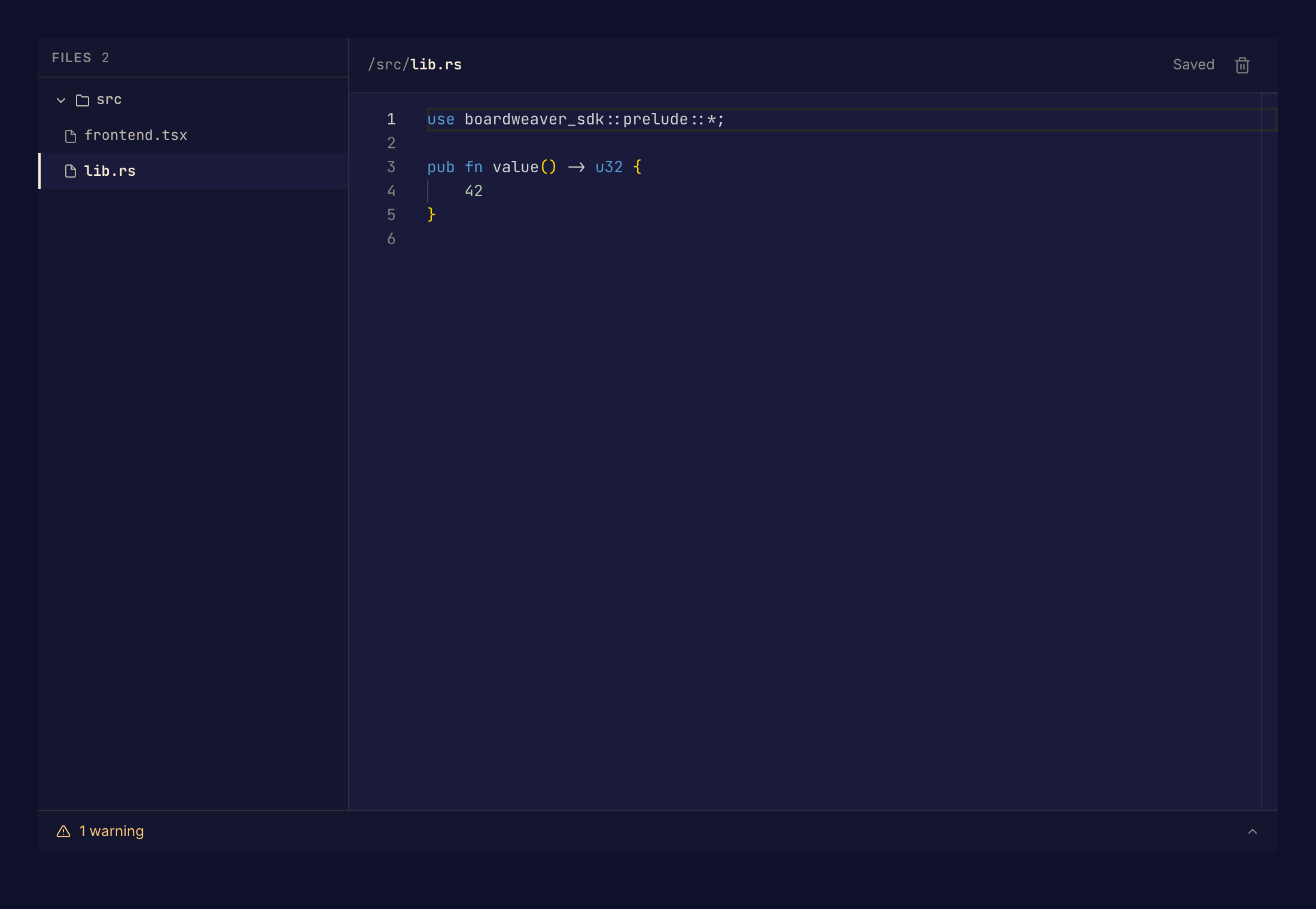
In a framework v3 game, the game logic starts in /src/lib.rs, written in Rust. The screen players see starts in /src/frontend.tsx. The build status works the same way, and each warning shows where it is in your files.
Files the Code page does not edit
The editor opens the source files under /src/. Images and sounds show as previews: change them on the Art and Sounds pages. Fonts and the theme have their own pages too. Selecting one of these files on the Code page shows "Not editable here".
If something goes wrong
The label shows Save failed. Boardweaver did not save your last edit. A Failed to save message gives the reason. Make another edit in the same file to save the whole file again. Do not leave the page until the label shows Saved.
The status shows "Changes not checked". Boardweaver has not built your latest edits yet. Wait for Building… and then the result.
Next, preview the game, then commit a game version.