Publish a game
You cannot publish a game from the Studio yet. The Boardweaver team publishes games, and you ask them on Discord. Only admins of a game see the publish controls.
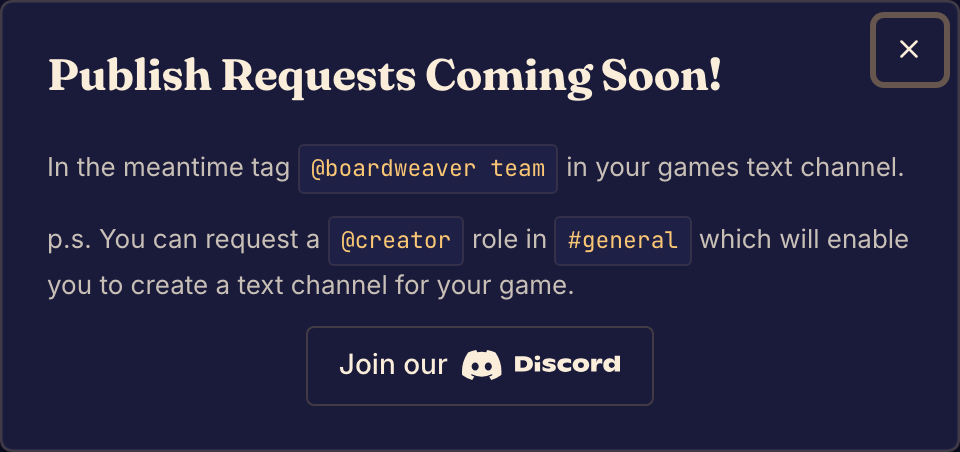
Ask the Boardweaver team to publish your game
- Commit and test the version you want published. Check its rules pages, its game page, and its cover and logo.
- Select Release in the Studio sidebar.
- Next to Not published, select Submit for publishing. The Publish Requests Coming Soon! dialog opens. Boardweaver does not send a request.
- Select Join our Discord.
- In your game's text channel, tag @boardweaver team. Name your game and the version you want published.
If your game has no text channel yet, ask for the @creator role in #general. That role lets you make a text channel for your game.
After your game is published
Release shows Published and the version that is in the catalog. To publish a newer version, ask the team on Discord again.
To let anyone play a version before it is published, open a public playtest.