Edit the rules pages
Rules pages teach people how to play your game. Players read them from the match lobby. The Rules page in the Studio shows the rules in your working copy, but you cannot edit them there. Each rules page is a file in your game's code, in the /src/rules/ folder.
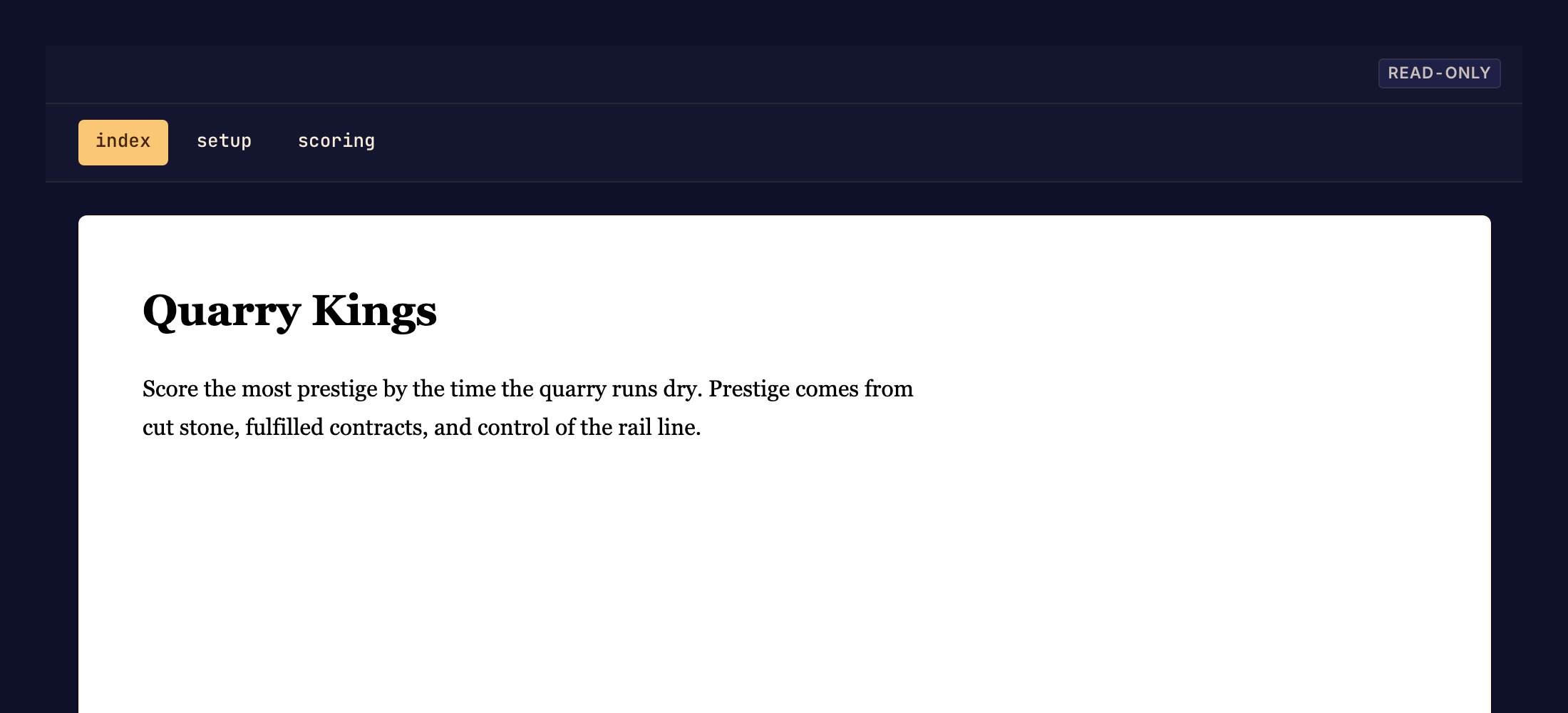
Update a rules page
- Select Rules under Presentation in the Studio sidebar.
- Find the page to change. When the rulebook has more than one page, choose the page in the strip above it.
- Edit that page's file in Code, or ask your coding agent to edit it. The first page is
/src/rules/index.bwss. See Write rules pages. - Open Rules again and read the changed page. Follow its links to other pages.
- Commit your changes. Players see the new rules only after you commit. See Commit a game version.
A link to a page that does not exist yet does nothing in the Studio.
What can go wrong
| What you see | What to do |
|---|---|
| These rules don't compile | A page has an error, so the Studio cannot show any page, and a commit fails too. Fix the files that the message lists. |
| No rules pages yet | The game has no rules files. Add /src/rules/index.bwss in Code. |
| The rulebook couldn't be loaded | Reload the Studio. |
Next, edit the game page.